
Mostbet Withdrawal Rejected? Read This Before Retrying

A rejected withdrawal is usually better than a missing one because the money returns to your Mostbet balance. The real job is figuring out why it failed before you resend the request and hit the same wall again.
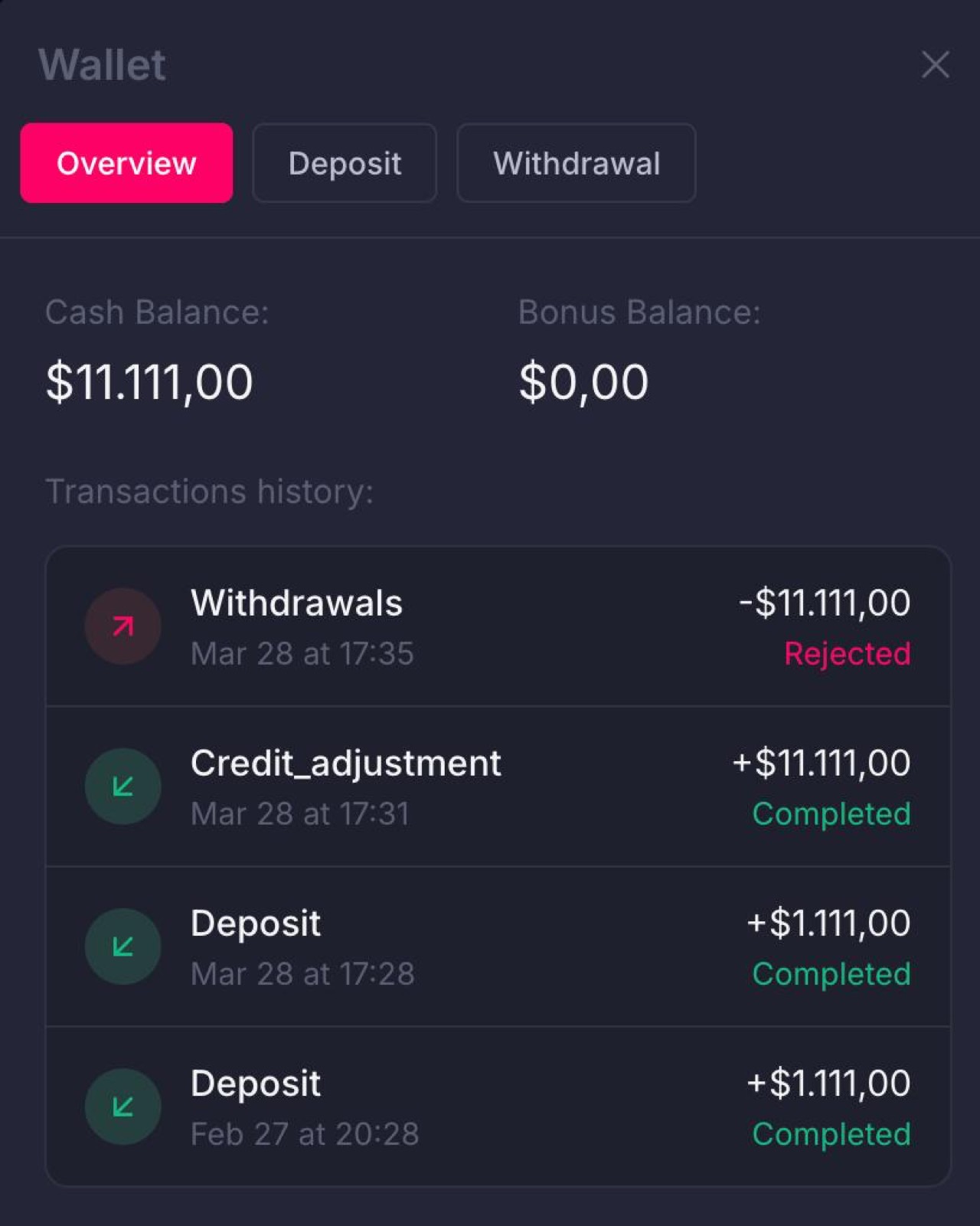
What Rejected Usually Means
- the payment processor refused the transfer
- your payout details were invalid
- the bank or wallet provider refused the incoming payment
- Mostbet blocked the payout because of compliance or method mismatch
Reason And Fix Table
| Reason | What it looks like | Best fix | Retry now? |
|---|---|---|---|
| Wrong details | UPI ID, account number, or wallet address error | Correct the detail and resubmit | Yes, after fixing it |
| Name mismatch | Receiver name does not match the account owner | Use a method in your own name | Only after matching identity |
| Method mismatch | Deposit and withdrawal rails do not line up | Switch back to the deposit method if possible | Sometimes, but only with care |
| Bank refusal | Money leaves the platform but fails at the receiving end | Check bank limits or use another rail | Usually yes, with a different rail |
| Compliance review | Support asks for KYC or more documents | Complete verification first | No, not until the review is done |
Top Reasons Mostbet Withdrawals Get Rejected
1. Wrong Payment Details
A typo in the UPI ID, account number, crypto address, or wallet ID is still the most common reason.
2. Name Mismatch
If the name on your Mostbet account does not match the payment method, rejection risk goes up sharply.
3. Different Withdrawal Method Than Deposit
Many players get rejected because they deposit one way and try to withdraw another. Some methods tolerate this, many do not.
4. Receiving Bank or Wallet Refused the Transfer
Daily limits, compliance filters, or method-specific restrictions can cause a clean Mostbet request to bounce back.
5. Compliance Review
Sometimes the rejection is really a request for more documentation in disguise. If you have not completed KYC fully, check the verification guide before retrying.
What To Do in Order
- Open the rejected transaction and save the details
- recheck every payment field manually
- confirm your account name matches your payout method
- if possible, retry using the same method you deposited with
- if the bank likely blocked it, reduce the amount or change the receiving method
Method-Specific Notes
- UPI: check UPI ID format carefully and use a live, actively used handle
- Bank transfer: recheck account number, IFSC, and name formatting
- Crypto: network mismatch is fatal more often than people think
- eWallet: make sure the account is fully verified and in your own name
Retry Checklist
- Confirm the exact reason the payout was rejected.
- Fix only one variable at a time so you know what changed.
- Keep the next amount modest if you are testing a new method or bank.
- If the same rejection appears again, stop retrying and open the troubleshooting guide.
What Not To Do
- Do not resubmit the same bad details and hope the processor accepts them the second time.
- Do not switch to a relative's account just to get around the rejection.
- Do not ignore a verification request if that was the actual reason for the stop.
When To Contact Support Instead of Guessing
Use support if:
- the same method was rejected twice
- you believe the details were correct
- support needs to confirm whether the issue was compliance-related
- you suspect the receiving bank refused the transfer but need the payment reference
Ask directly: “Why was this withdrawal rejected: invalid details, method mismatch, bank refusal, or compliance review?”
If support confirms the issue was identity or compliance related, use the verification guide before making another attempt. If they say the receiving bank refused it, compare your method with the same method guide and the fees page so you do not pick a route that adds cost as well as delay.
Should You Retry Immediately?
Only if you found the mistake. If nothing changed, an instant retry usually produces the same rejection.